CANBUSview XL III for CAN | CAN/CANopen/DeviceNet - Universal diagnostic and monitoring tool 119010001
Diagnostics
ⓘ Please contact us for partner and OEM pricing here.




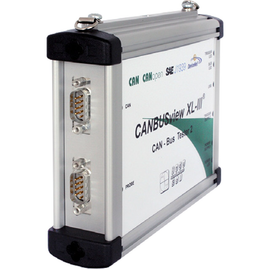
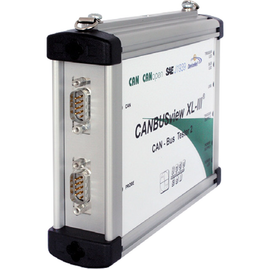
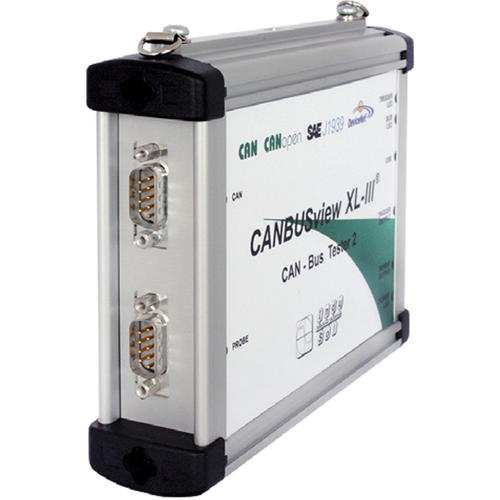
CANBUSview XL III: Universal CAN Troubleshooting & Diagnostic Tool
A CAN network that looks healthy is not the same as one that is verified. The CANBUSview XL III measures the physical and logical communication quality of your CAN, CANopen, SafetyBUS p, DeviceNet, and SAE J1939 systems, so you can commission, troubleshoot, and maintain with hard data instead of guesswork. It connects feedback-free to the running bus and reports through its PC software over USB. For a full picture, measure at both ends of each segment.
Physical quality: the Q-value
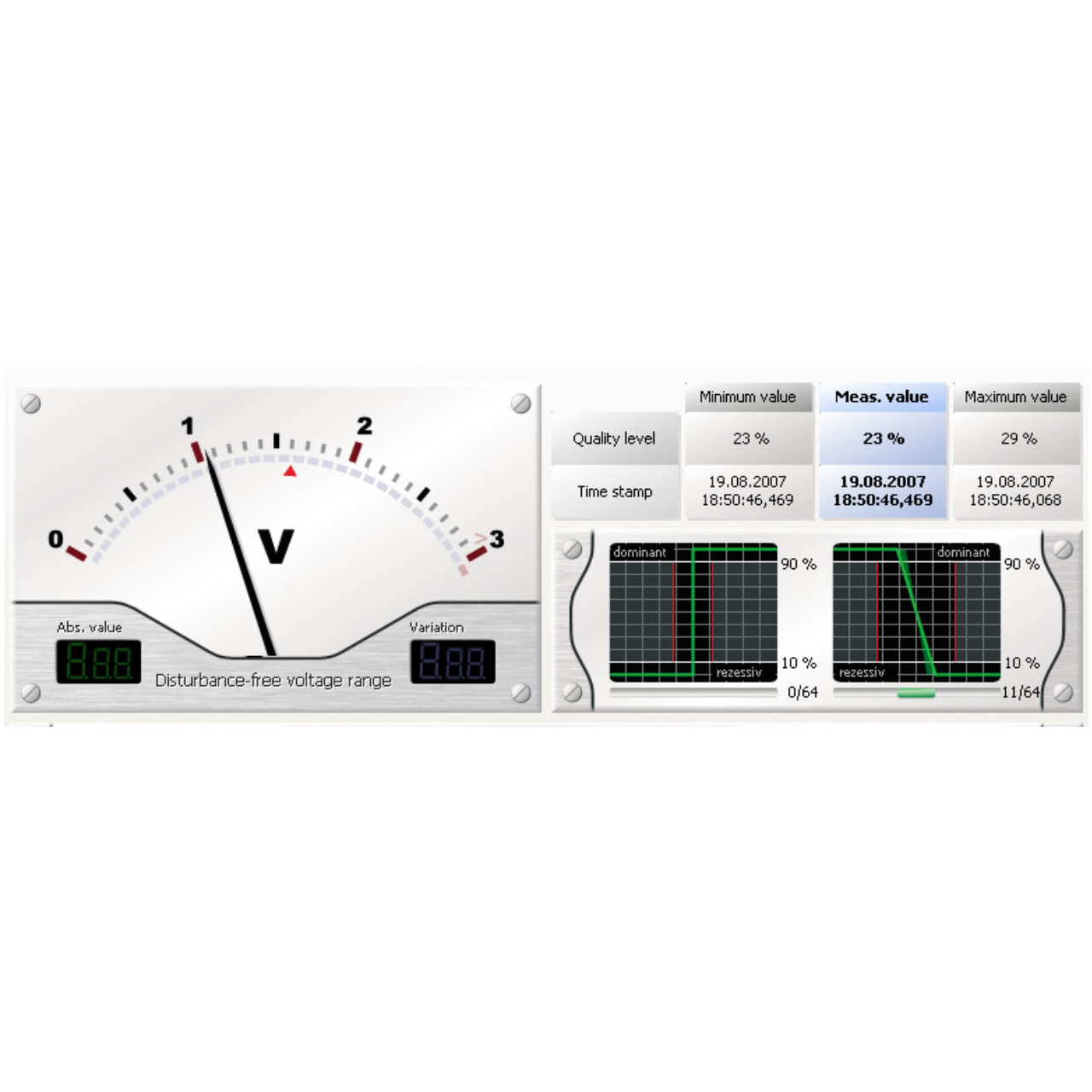
CAN transmits data as a differential voltage across CAN-H and CAN-L. The CANBUSview XL III scans every bit 64 times and rates its physical quality on a 0 to 100% scale (the Q-value), shown per device in a bar chart. Three factors weigh equally: edge steepness, signal-to-noise ratio, and reflections. One glance tells you which nodes are solid and which are marginal.
Oscilloscope with packet analysis
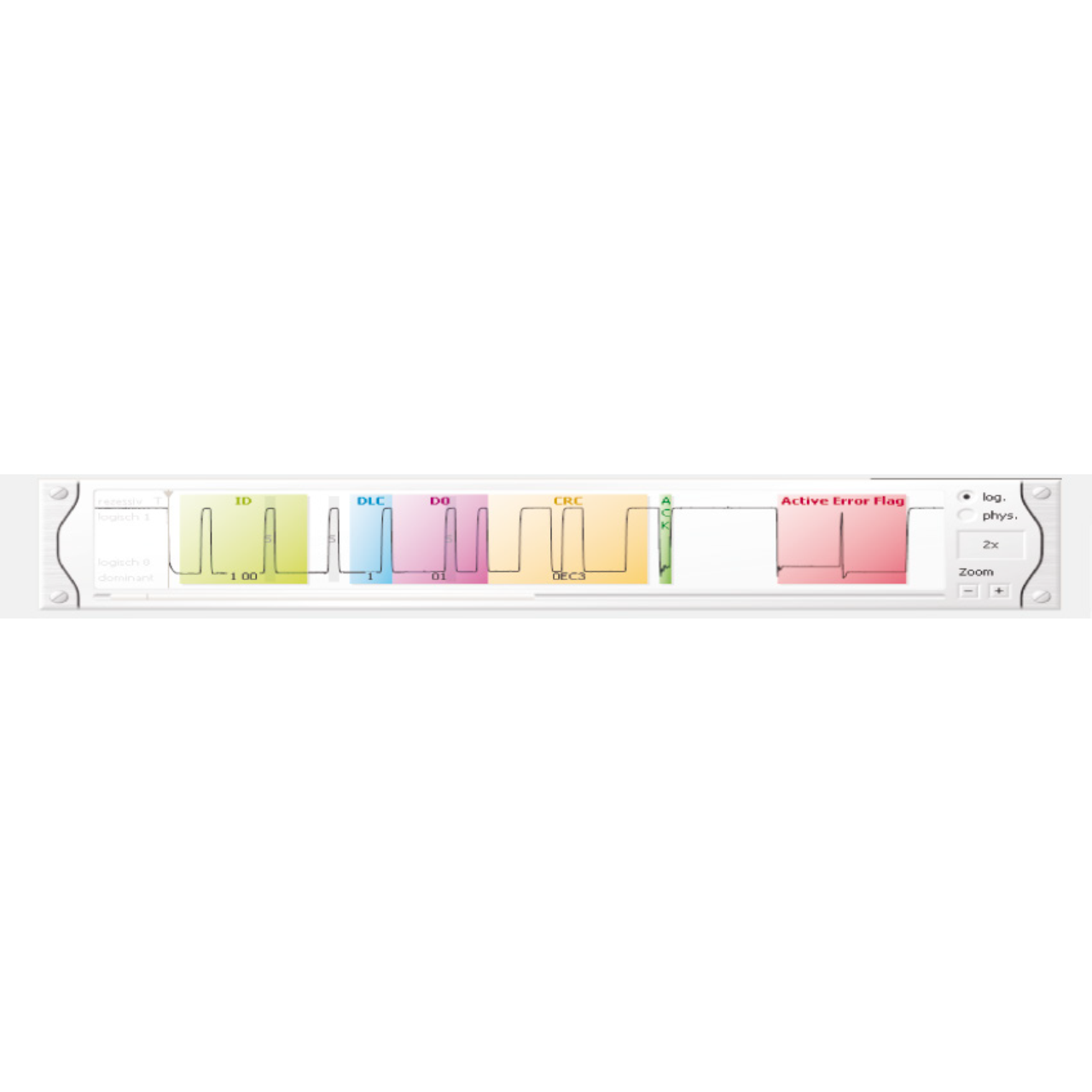
For deeper diagnosis, the software displays the actual signal shape of a measured packet in an oscilloscope view. Use it to evaluate signal transitions and pinpoint reflection points on the segment. Sampling runs at 64 times the configured baud rate across 160 bits in total.
Live monitoring and long-term analysis
Watch bus status, bus efficiency as a percentage, and error-packet counts live while the system runs. The trigger function captures logical and physical events over days or weeks, so sporadic faults that never surface during a quick check get caught and time-stamped.
Logical quality determination
In parallel with the physical measurement, the tool inspects packet traffic for defective packets, missing acknowledgements, device overload, and overall bus load. Together with the Q-value, this separates cabling problems from protocol and configuration problems.
Line test (offline)
Run the integrated line test before commissioning, with the segment powered down and devices disconnected. It detects short circuits, line breaks, and missing or additional terminating resistors, and measures loop resistance of the bus line and supply line plus total line length.
Inspection reports
Print or store an inspection report after any measurement. You can adjust the data region for a selected measurement or node before printing, so the report shows exactly what a customer or auditor needs.
At a glance
- Physical quality rating (Q-value) with per-device bar chart
- Oscilloscope view with packet analysis
- Live monitoring: bus status, efficiency, and error counts
- Logical protocol monitoring
- Long-term analysis via trigger function
- Offline line test for cabling and termination
- Adjustable inspection reports
- One platform for CAN, CANopen, SafetyBUS p, DeviceNet, and SAE J1939
Protocol extensions
The base unit measures CAN. Add protocol support as your systems require it:
- Extension CANopen / SafetyBUS p – Art. No. 119010002
- Extension DeviceNet – Art. No. 119010003
- Extension SAE J1939 – Art. No. 119010004
Monitor extensions
Add long-term, protocol-specific monitoring:
- Extension CAN Monitor – Art. No. 119010005
- Extension CANopen Monitor – Art. No. 119010023
- Extension SAE J1939 Monitor – Art. No. 119010024
Measuring points (IP67)
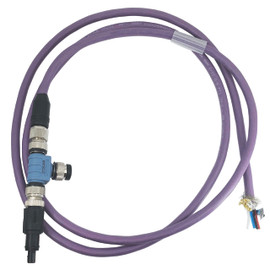
Accurate results depend on feedback-free access at both segment ends. Provide permanent measuring points during projecting, built for rough environments:
- CANbus active measuring point IP67 CBMA set – Art. No. 119040001
Ready-to-go toolkits
Prefer a complete kit over assembling parts? Each toolkit bundles the CANBUSview XL III with the right licenses, adapters, cables, and power supply in a single case:
- CANbus Troubleshooting Toolkit – base unit plus Protocol Monitor CAN
- CANopen Troubleshooting Toolkit – base unit plus CANopen extension and Protocol Monitor CANopen
- DeviceNet Troubleshooting Toolkit – base unit plus DeviceNet extension